The main window of the Smart Routing menu tab shows the list of accounts of the payment service provider, merchants, and their shops as well as applicable flows and rules.
To view the list of flows set for an account, follow the steps below:
-
Go to the Smart Routing tab.
-
Click on the drop-down menu icon next to the label of the account level.
Flows in the list are sorted by their priority level, i.e. the order in which the Smart Routing service applies them when processing a transaction.
Please note, only active flows are applicable. To change the state of the flow, use the toggle next to its name.
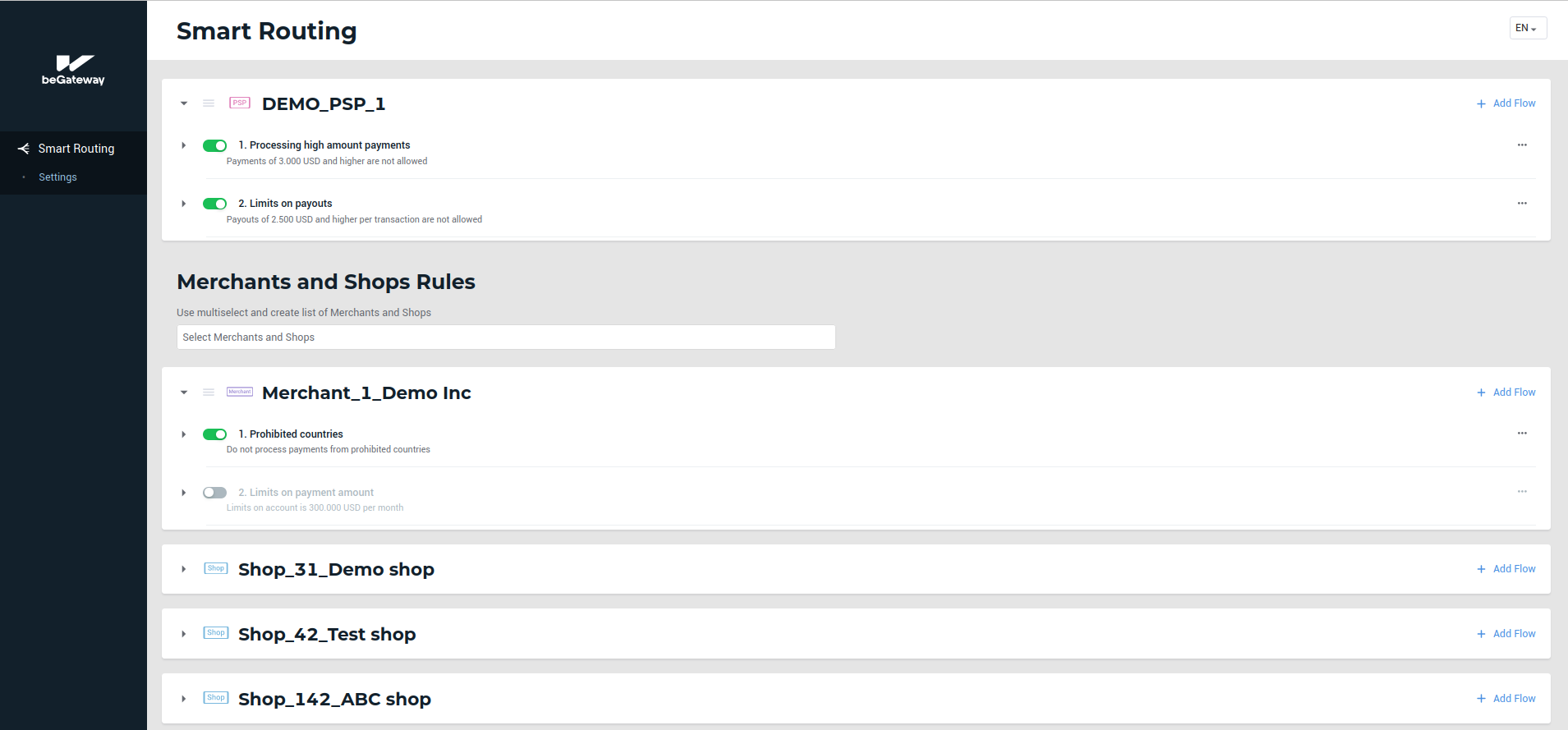 The lists of rules applicable to the PSP and Merchant accounts