To edit a set, follow the steps below:
-
Go to the Sets tab on the account settings page.
-
Follow any of the following steps:
-
Click on the name of the required set.
-
Select Edit in the set menu.
-
-
To change the values in the set, make a new array of values or apply the previous values. To change the set name, update the value in the Set name field.
-
Click Save Set.
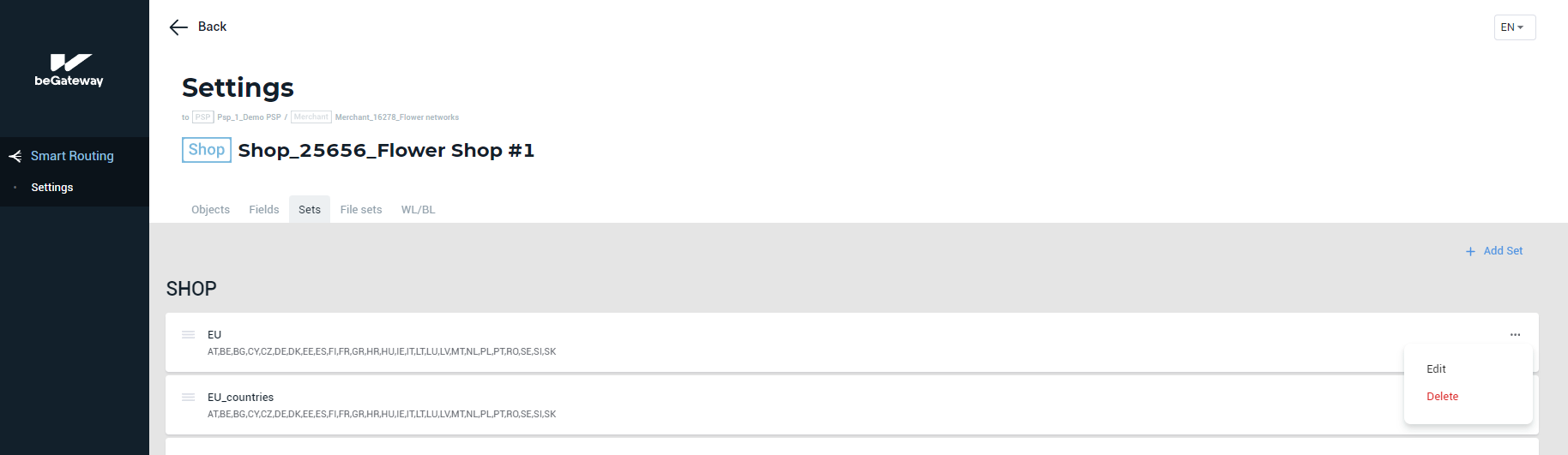 The Edit item in the Set menu
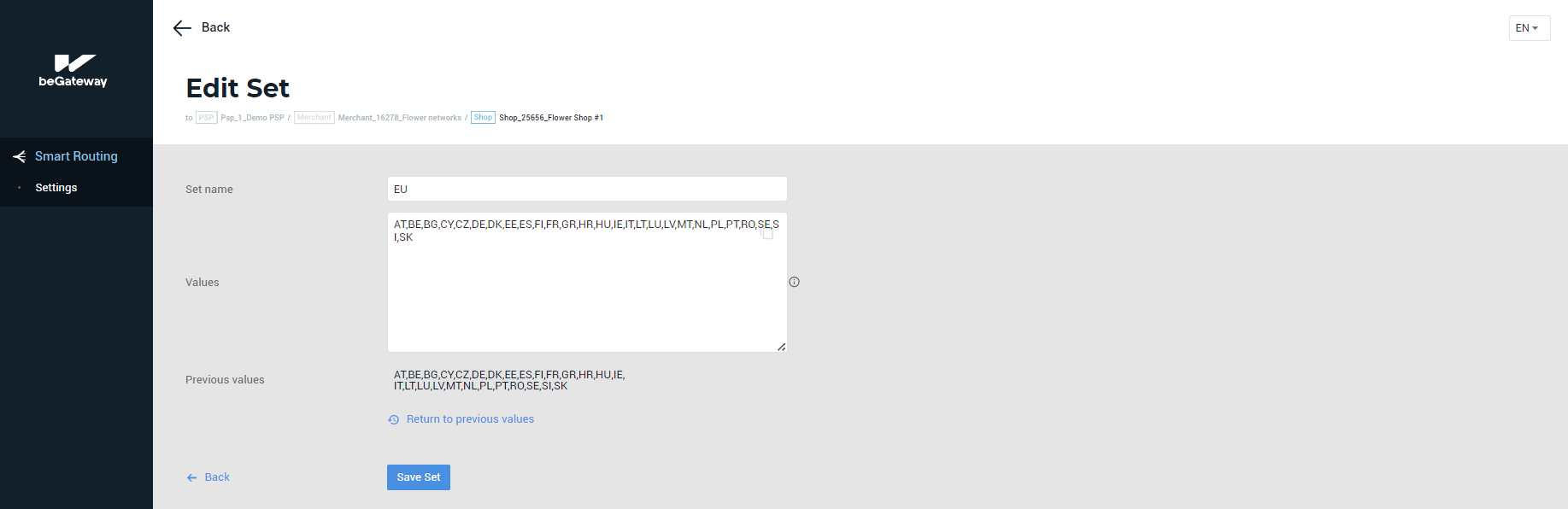 Edit Set form