The service allow you to edit the existing flow rules.
To update the settings, follow the steps below:
-
Go to the Smart Routing tab.
-
Select the required flow.
-
Follow any of the steps below:
-
Click on the name of the rule in the list of all rules applicable to an account;
-
Select Edit in the rule menu.
-
-
Make changes to the rule parameters as described in Create a new rule.
-
Click Save rule for an update.
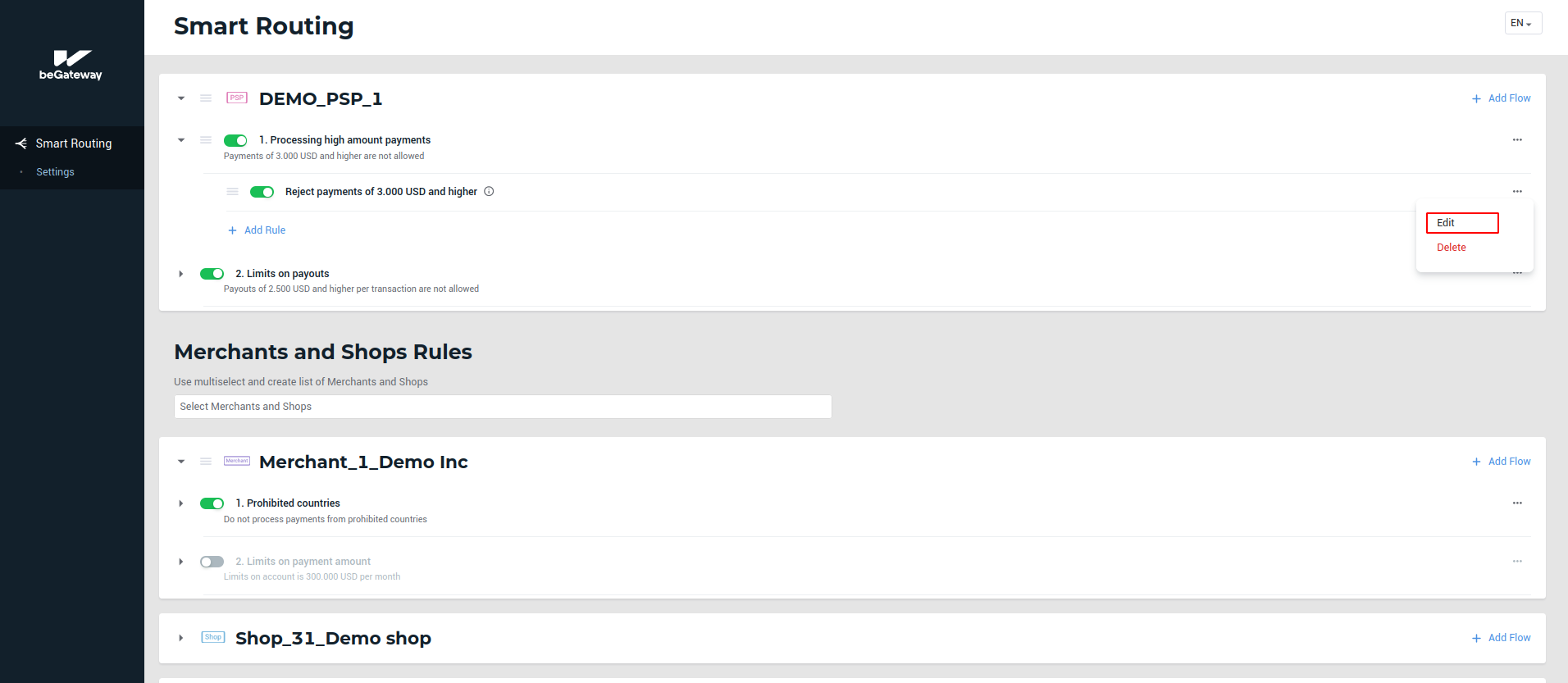 The Edit button in the rule menu