The Settings menu tab allows you to view and manage the objects, fields, and sets for accounts.
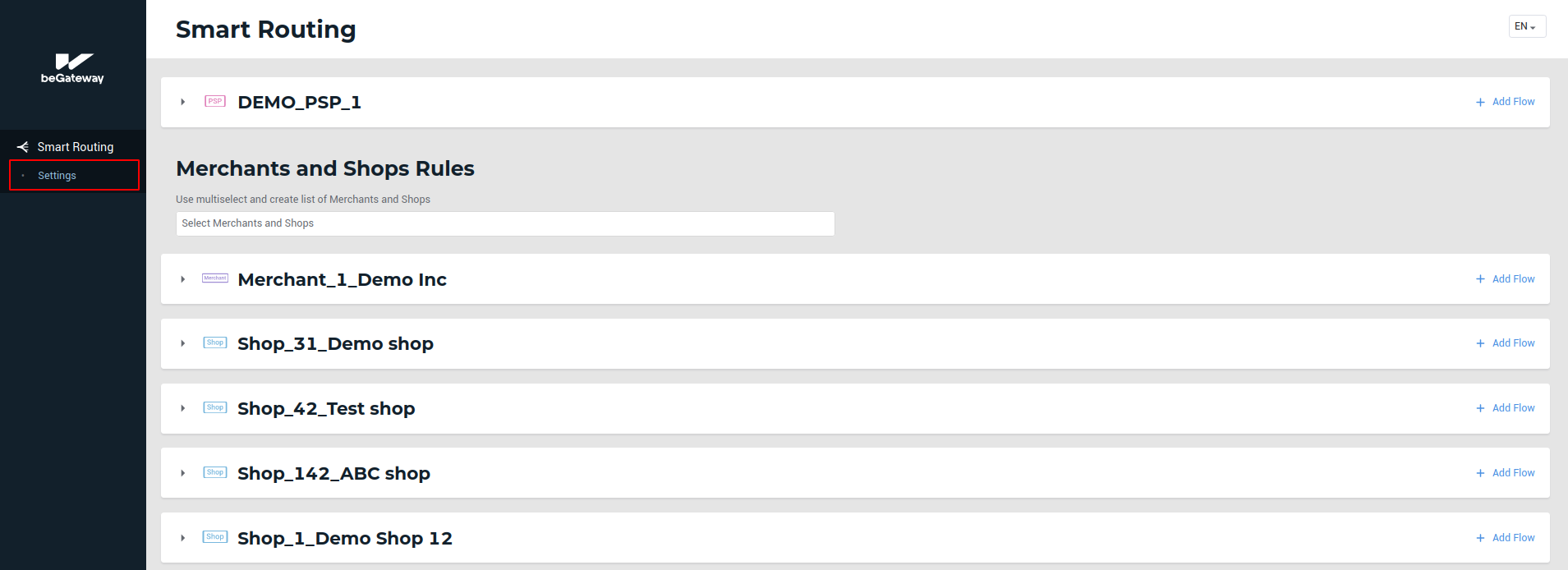 The Settings tab of the service menu
To go to the account settings page, follow the steps below:
-
Click on the Settings menu tab.
-
Find and choose an account for which the settings will apply. Use a full-text search option, if needed.
-
Select View settings.
Besides, you can go to the settings by clicking Settings for the selected account in the Smart Routing tab.
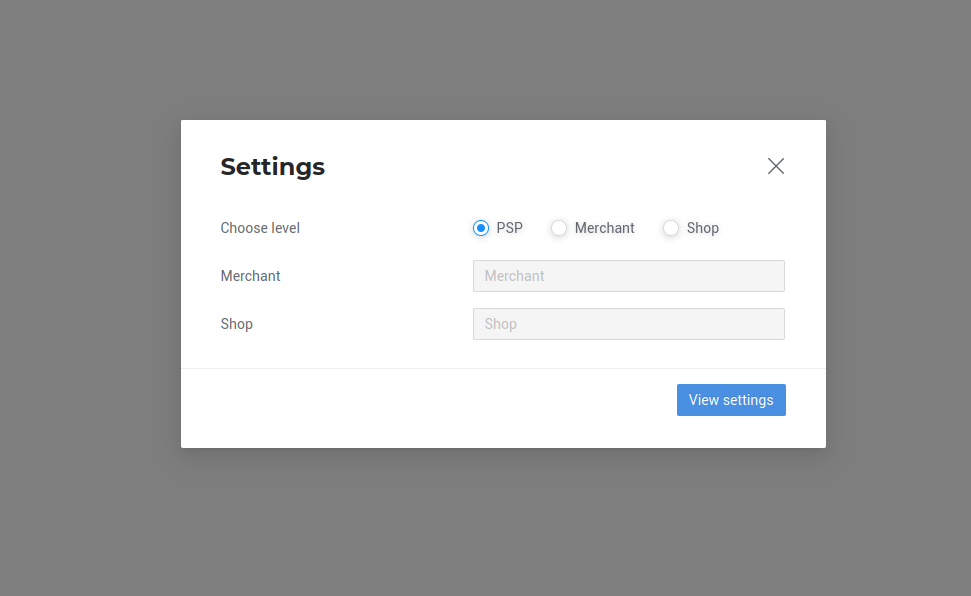 The form to choose an account for settings