If the set is not used in the rule, it can be deleted.
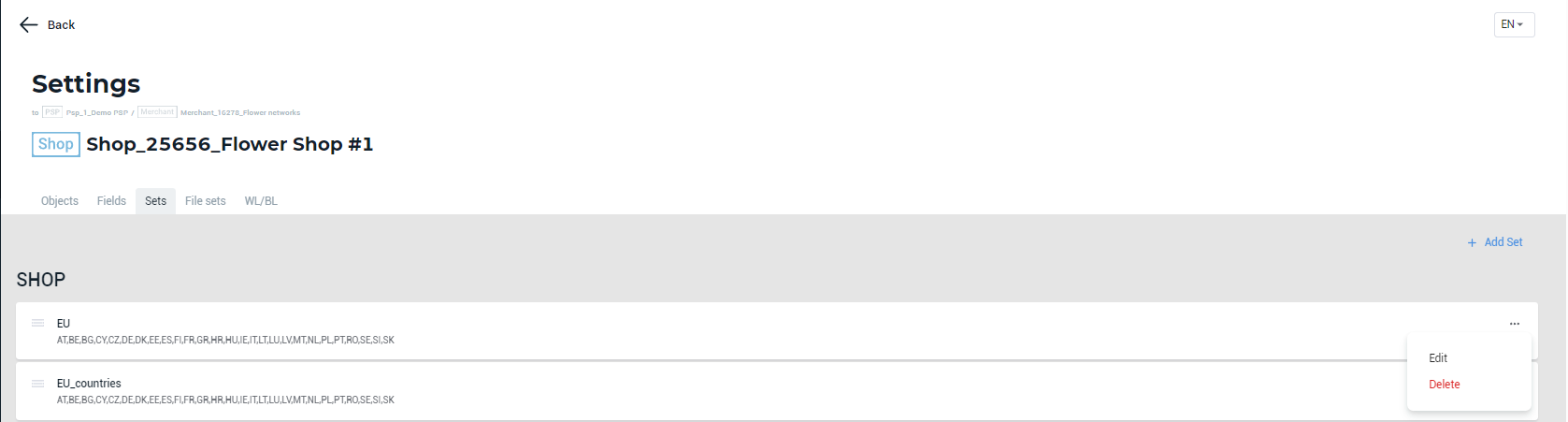
To delete a set, go to the account settings > select the Sets tab > find the required set > go the set menu > select Delete. You can delete the sets of the selected account as well as the sets of its child accounts.
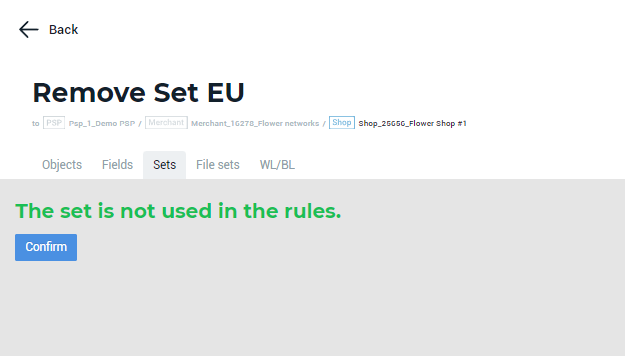
Clicking Delete will redirect you to the Remove Set page. If the set is not used in the rule(-s), the corresponding message will be displayed. Click Confirm to complete the set deletion.
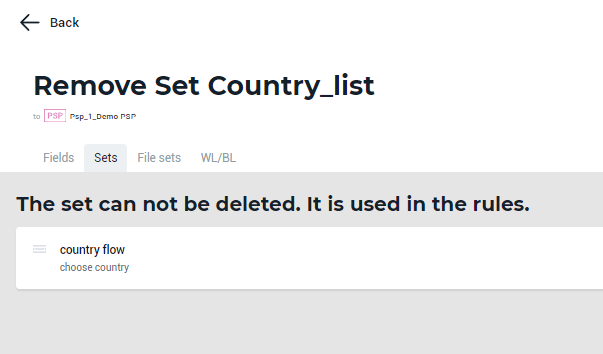
If the set is used in the rule(-s), the option to delete it won’t be available and the corresponding message will be displayed.