To create a new set, follow the steps below:
-
Go to the Sets tab on the account settings page.
-
Click on the +Add Set.
-
Indicate the set parameters.
-
Click Add Set.
Table: Set parameters
|
Parameter |
Description |
|---|---|
|
Set name* |
A unique name of the set. |
|
Values* |
An array of possible values separated by commas. You can’t enter more than 100 values. To add more than 100 values, use File sets. |
|
*required |
|
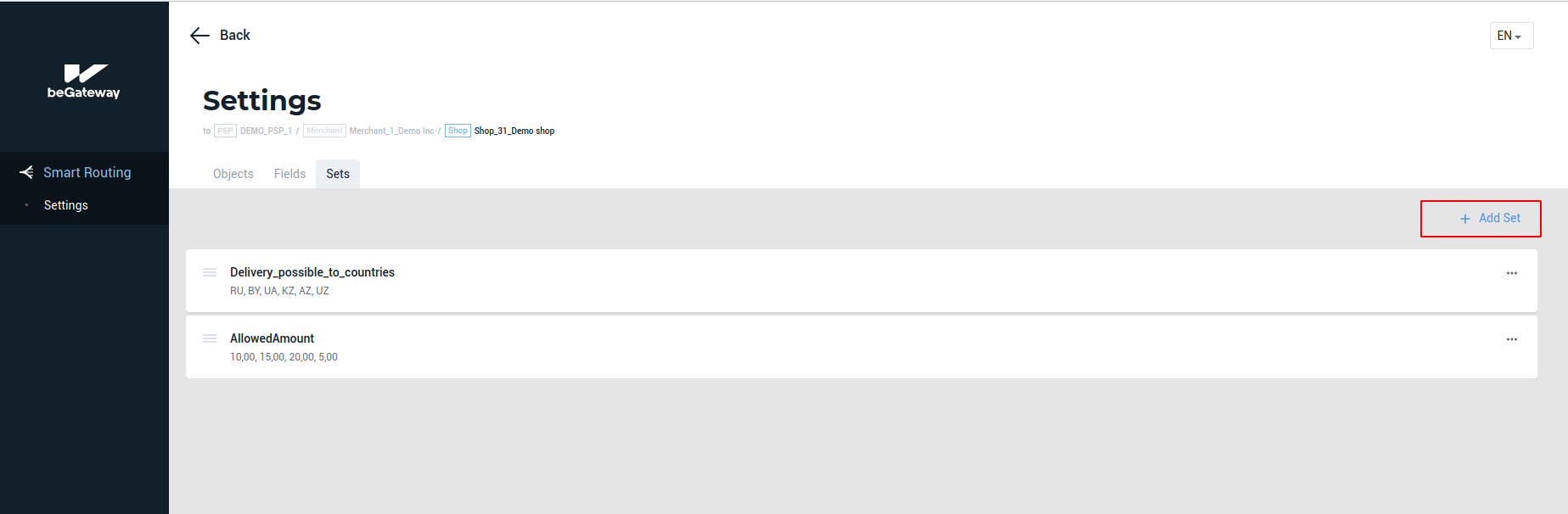 The +Add Set button on the Sets tab
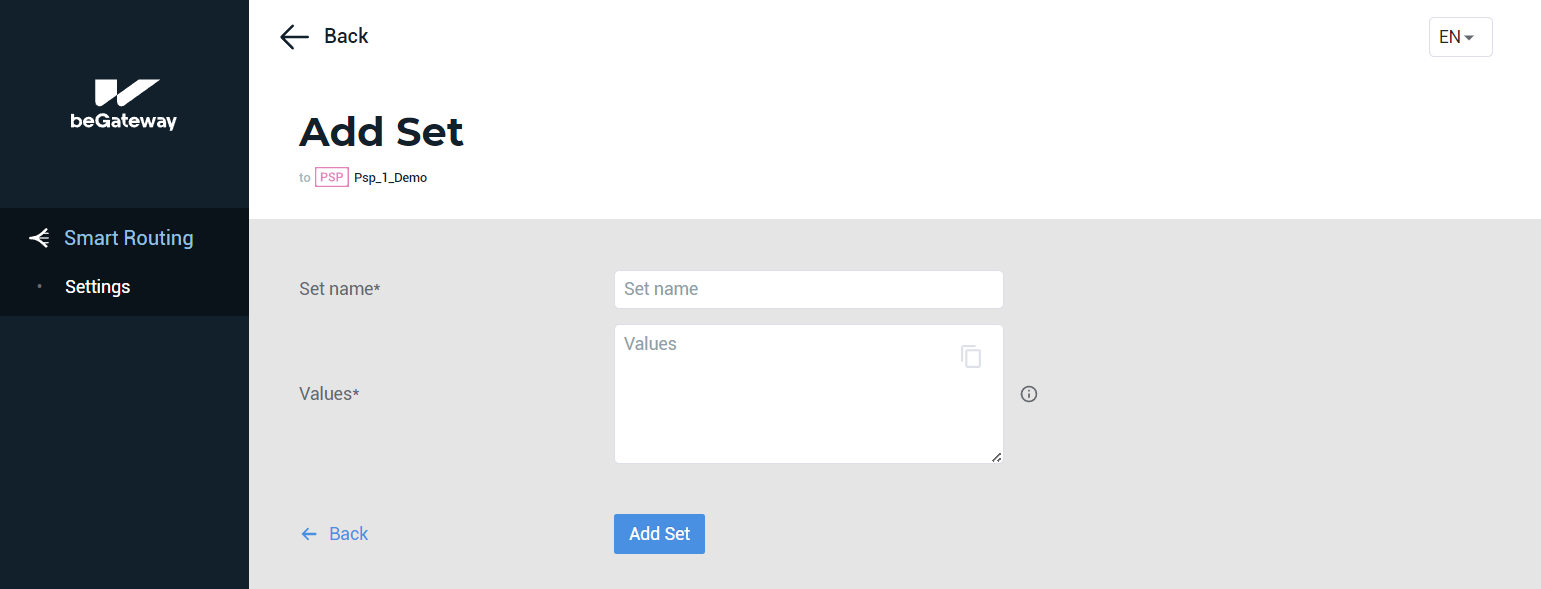
The form to create a set
Example: A set of countries with a paid delivery service
The set parameters can be set as shown in the picture below.
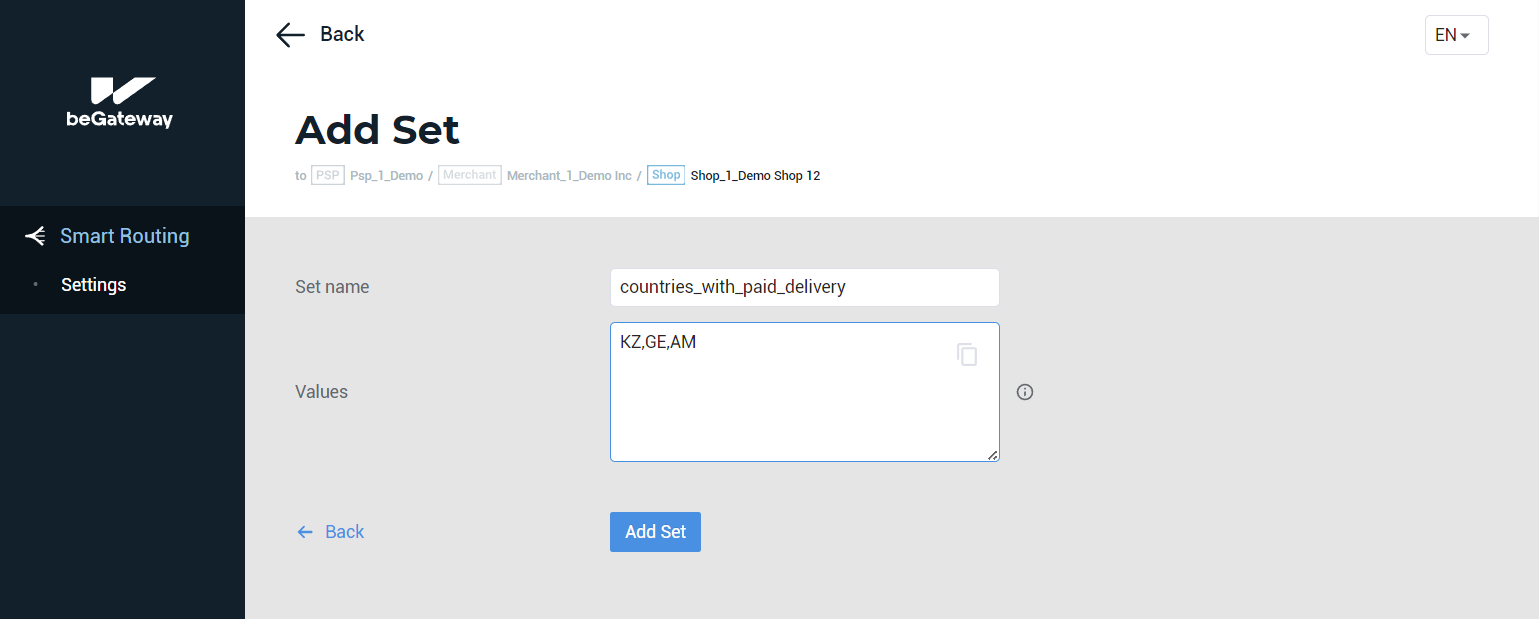 Example of filling in set values