To create a new group, on the Object tab make the following steps:
-
Select +Add group.
-
In the form that opens, indicate a unique group name. Maximum number of symbols: 30.
-
Select Add group.
The service creates a new group entry and shows it in the group list.
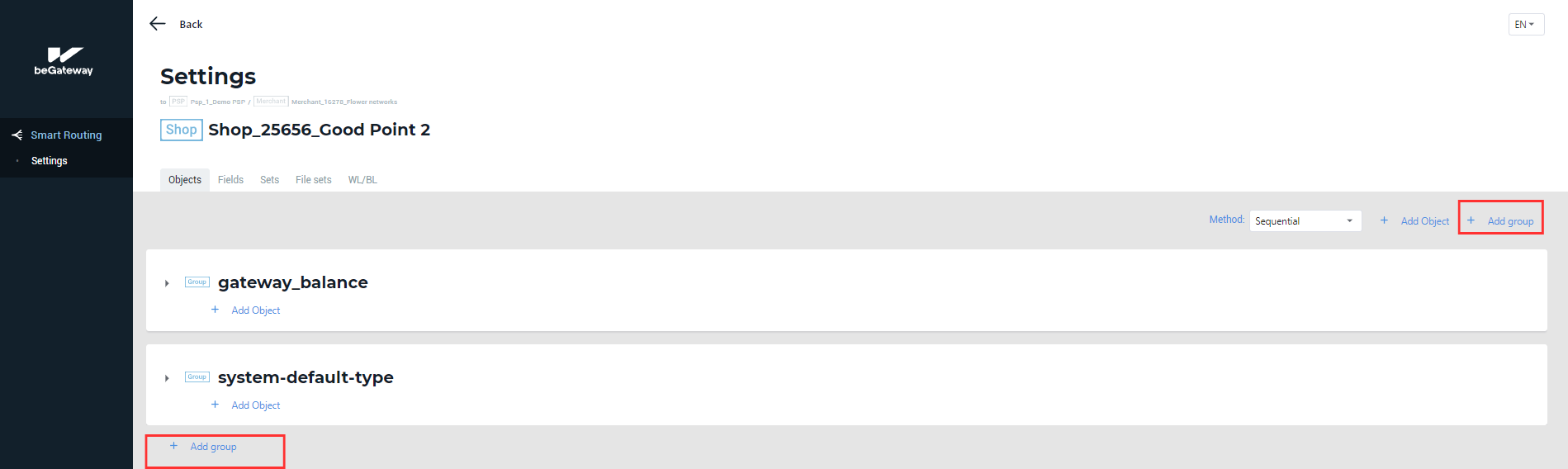 The +Add group button on the Objects tab
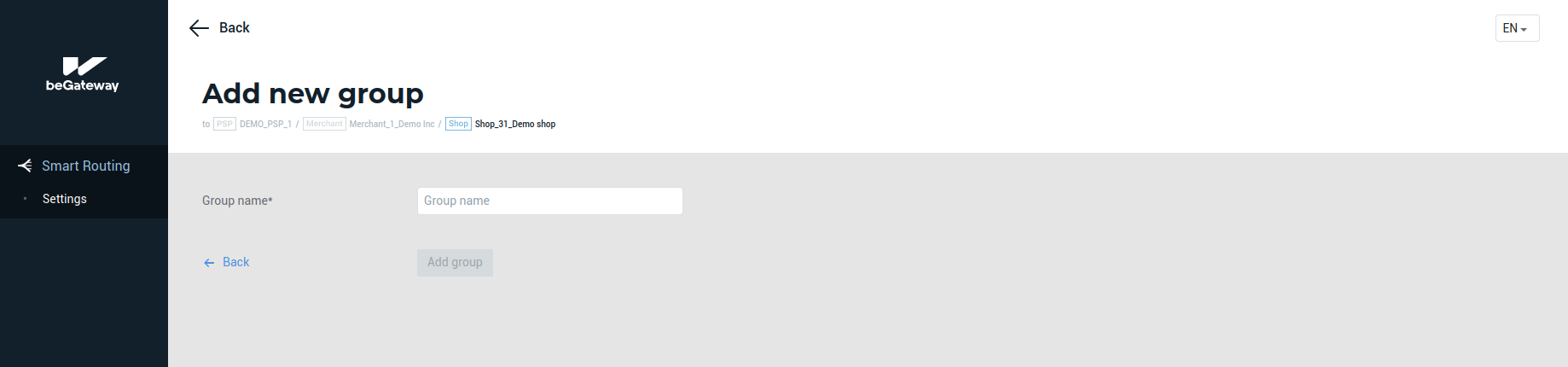 The form to add a group