To view a merchant's balance, follow these steps:
- Go to Accountant > Balance.
- Specify the name of the merchant in the header pane of the display area.
- Click Select merchant.
The display area will show the selected merchant's balance sheet with balance amounts, payout amounts, and adjustment amounts. The total balance is shown on the page header pane.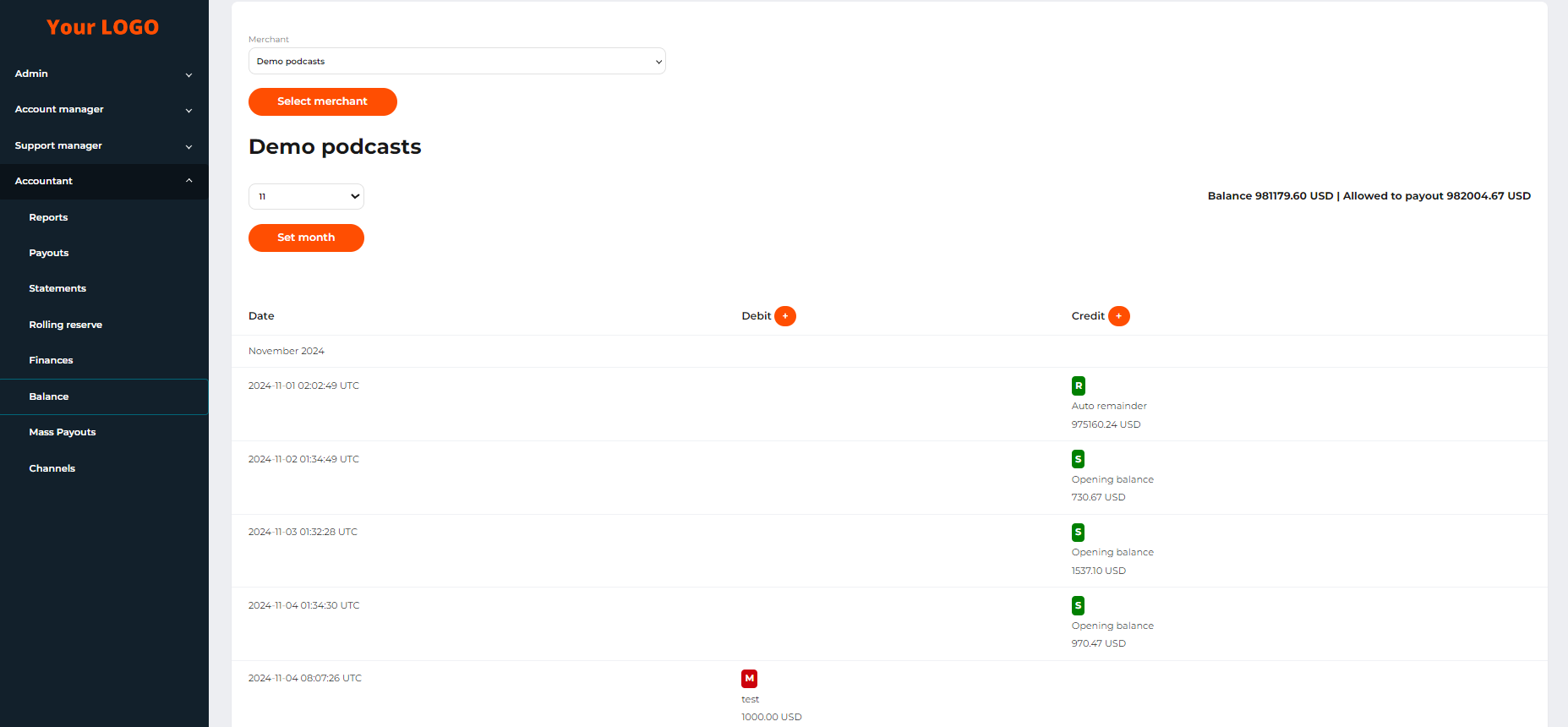 The merchant’s balance sheet