To look through a list of configured channels, go to Account Manager > Channels.
On the page that opens, you can see a list of configured channels with the following brief information about each channel:
-
Name: a channel name;
-
Currency: a currency supported by this channel for payout transactions;
-
Gateway type: the name of the acquirer that provided the payment gateway and will process payout transactions through this channel.
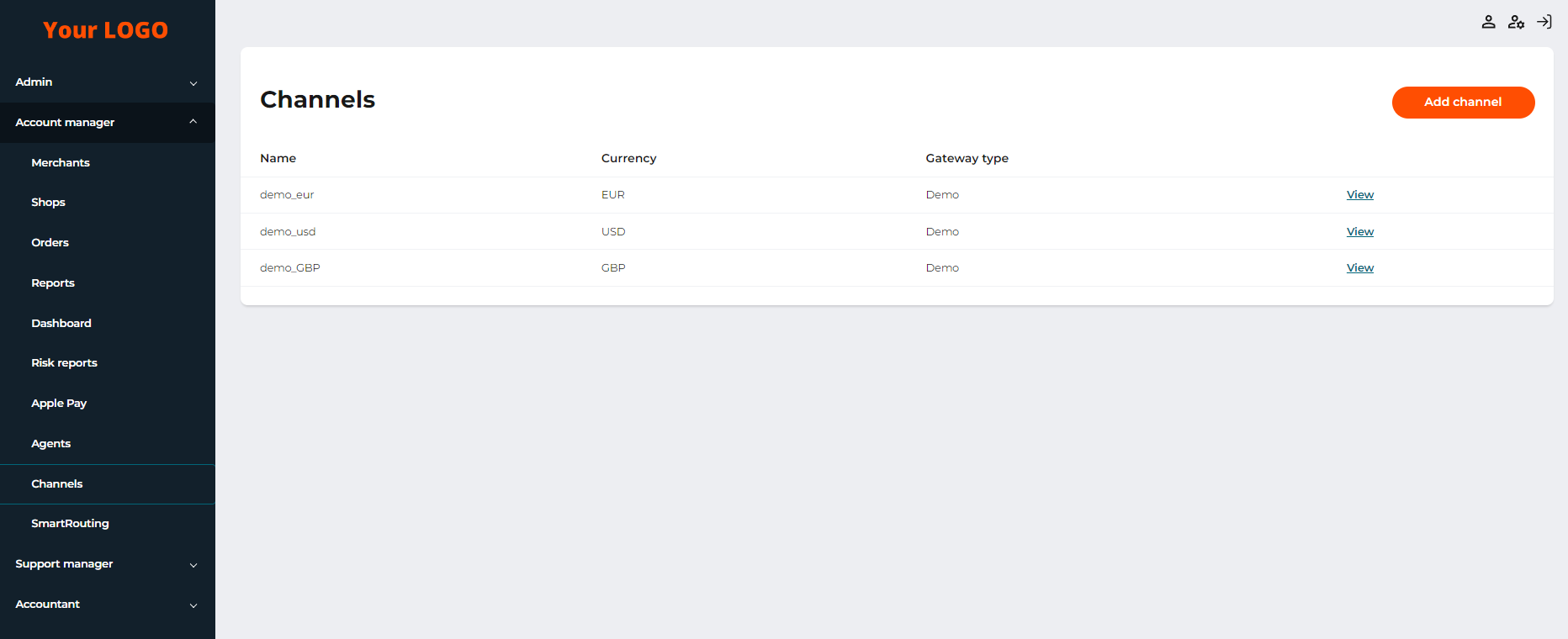
The Channels tab with the list of channels
For more information about the channel, select View. The detailed information about the channel includes the following:
-
ID: a channel number;
-
Name: a channel name;
-
Currency: a currency supported by this channel for payout transactions;
-
Gateway type: the name of the acquirer that provided the payment gateway and will process payout transactions through this channel;
-
Date: a channel creation date.
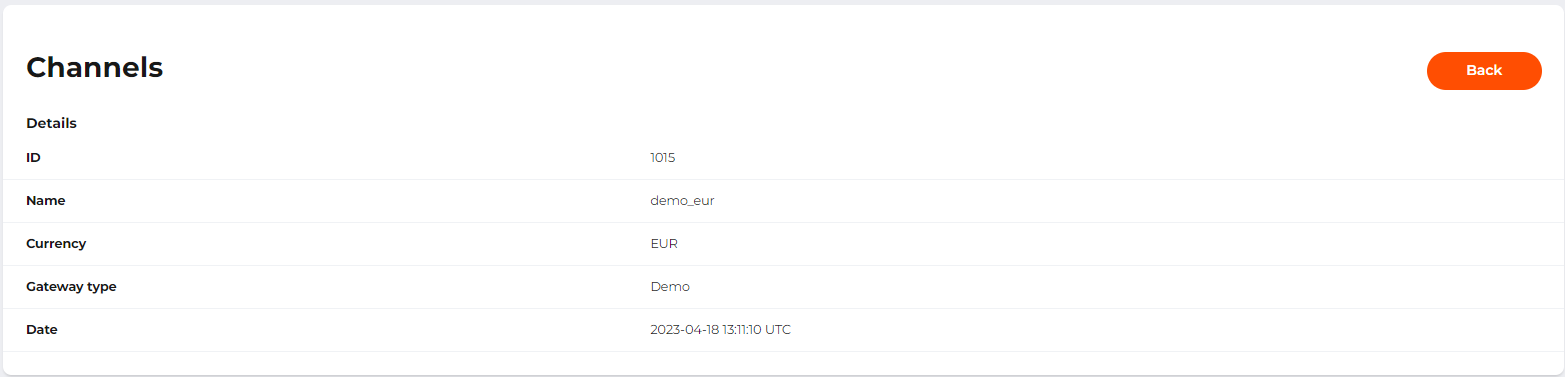
The channel information page
Select Back to return to the page with the list of configured channels.