To set limits on the total amount of payouts processed through a channel, follow the steps below:
-
Go to Account Manager > Shops.
-
Search for a shop for which you’d like to set payout limits. Refer to Search for a merchant’s shop, if needed.
-
Click View in the shop row.
-
Go to the Gateways tab on the shop information page.
-
Click the name of the acquirer of the required payment gateway. You will set limits on the channel linked to this gateway.
-
Go to the Channels tab on the payment gateway status page. The system will display a list of channels connected to the gateway.
-
Click Limits in the channel row.
-
Click New on the page that opens.
-
Fill in the form to set up a new limit as described in the table below.
-
Click Apply to save your changes or cancel them.
Table: Payout limit parameters
|
Parameter |
Description |
Notes |
|---|---|---|
|
Type* |
A type of the payout limit. Possible values:
|
The week is determined to start on Monday. |
|
Amount* |
The maximum total amount of payouts to be processed during the indicated period. |
|
|
Active |
A status of the payout limit. Set active by default. |
Select the checkbox to activate the limit. |
|
*mandatory field |
||
.png?hsLang=en) The New button on the page with the channel limit list
The New button on the page with the channel limit list
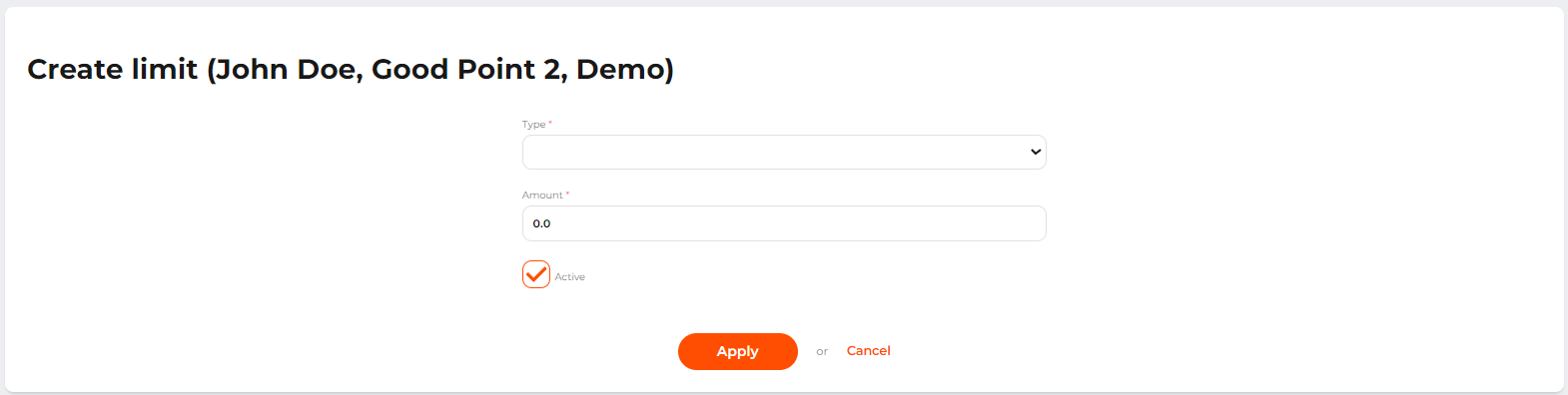 The form to create a new limit