The user interface of the system supports multiple languages. The payment service provider can specify in the settings both the main default language and the list of interface languages available for users to choose.
To select the interface language, click on the letter code of the language on the sign-in page.
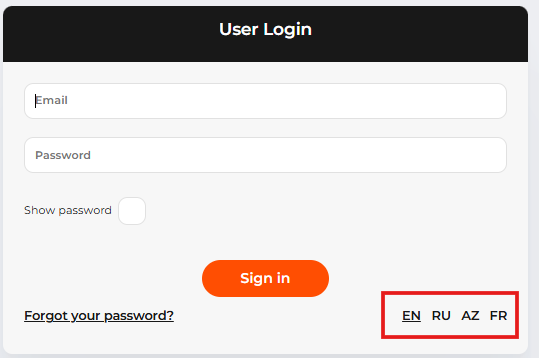 The letter codes of the user interface language to choose on the sign-in page
For more information on language settings, see System settings.