To make a mass payout to customers, follow these steps:
- Go to Accountant > Mass Payouts.
- Click Add payouts list on the search pane.
- Specify the parameters of mass payouts on the page that opens, as described in the table below.
- Click Apply or cancel the changes.
Table: Mass payouts parameters
|
Parameter |
Description |
Notes |
|
Merchant |
The name, contact person name, and ID of the merchant. |
|
|
Shop* |
The merchant’s shop, on behalf of which the system will make payouts. |
Possible values depend on the value in the Merchant field. |
|
File* |
The option to upload a CSV file with a list of parameters for a mass payout. |
For more information, see File for loading mass payout parameters. |
|
Recipient email * |
An email of a user who should receive notification of the results of payout transactions. |
|
|
*required |
||
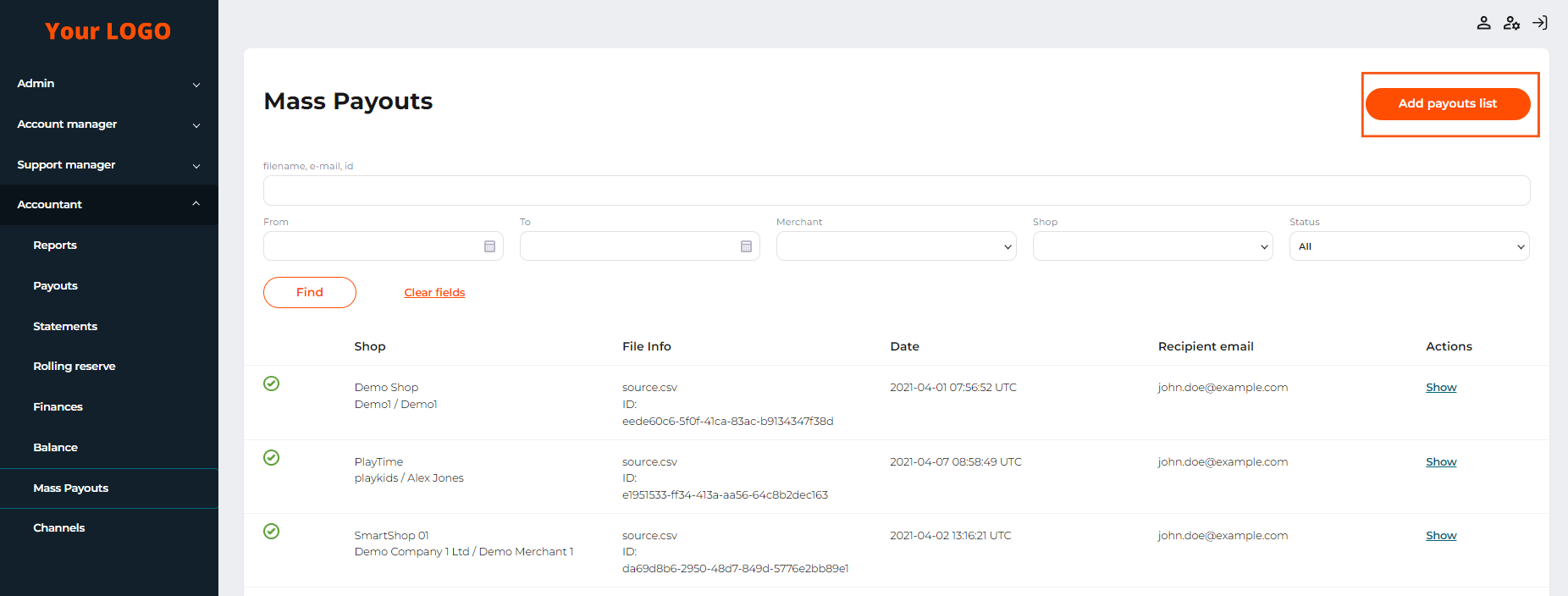
The Add payouts list button on the Mass Payouts page
The Add payouts list form
Upon successful upload of the file, you will be redirected to a page with the details of the mass payout. For more information, see View details of a mass payout.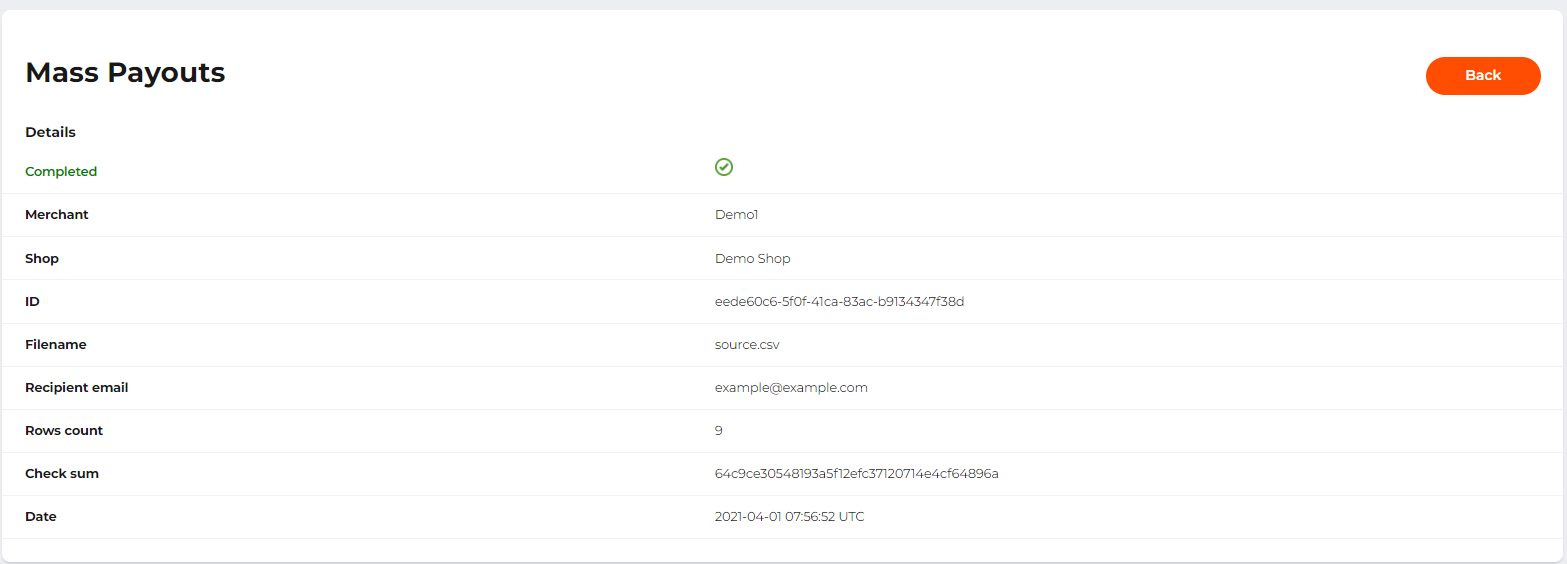 The Mass Payouts details page
As soon as all the payouts are made, a report on the results of payouts will be sent to the specified user email. For more information on the file format, see Report file on a mass payout.