To change the system settings for the payment service provider, follow these steps:
-
Go to the Admin > Settings page.
-
Click Edit and, in the form that opens, make changes as described in the table in View system settings.
-
Click Apply to save your changes or cancel them.
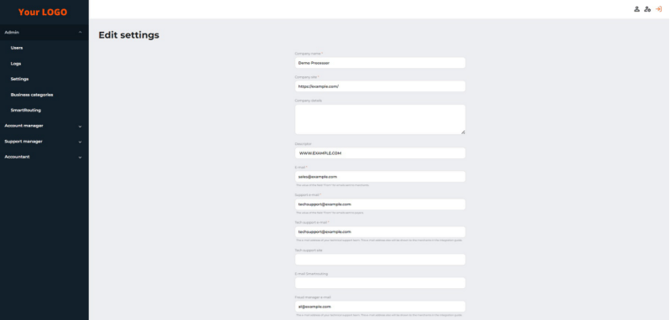
The Edit settings form (part 1 of 5)
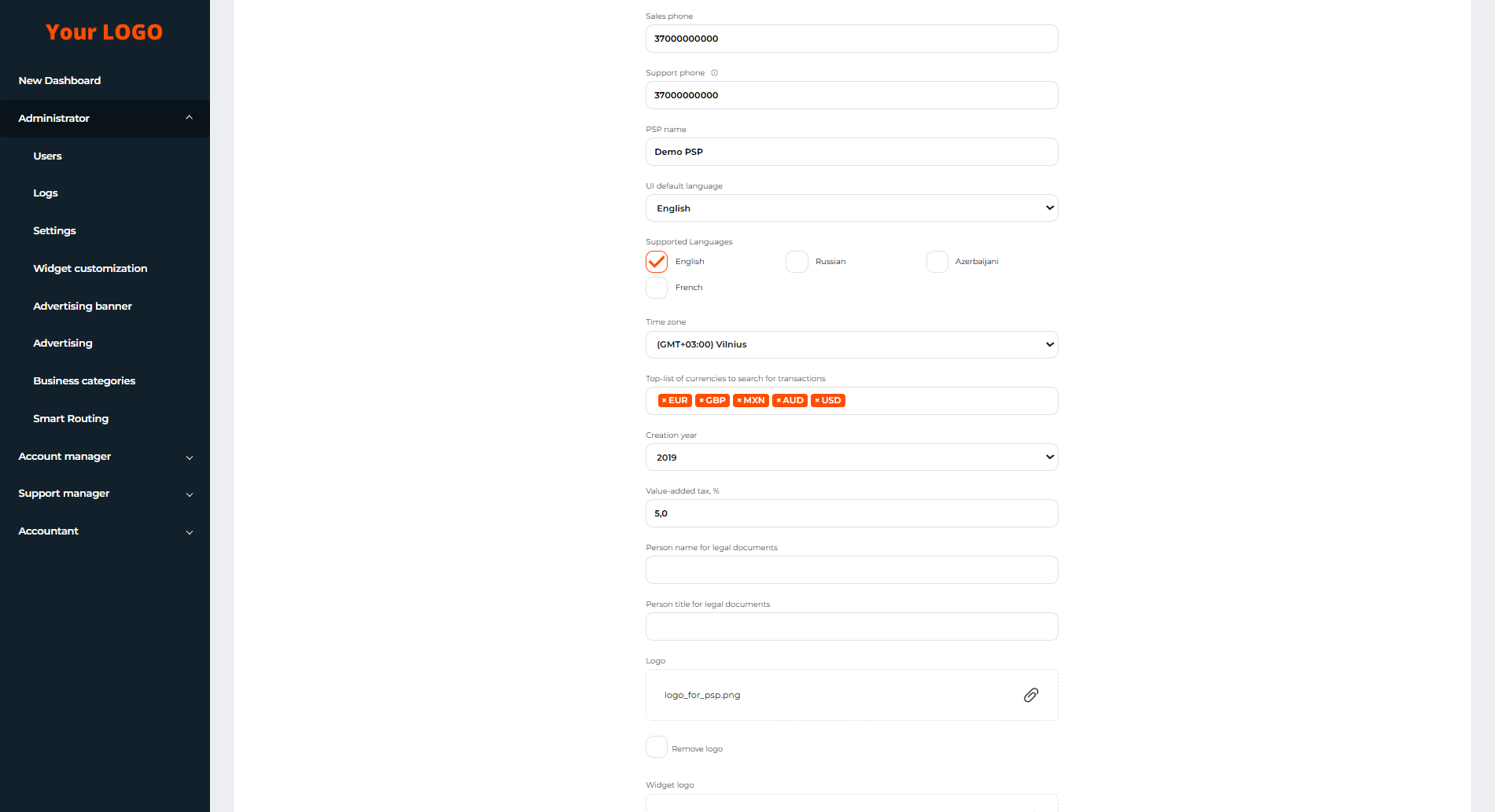
The Edit settings form (part 2 of 5)
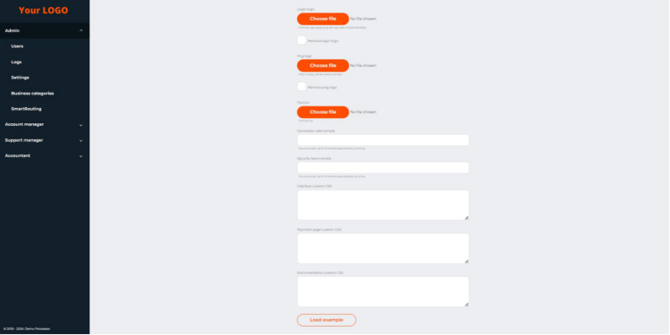
The Edit settings form (part 3 of 5)
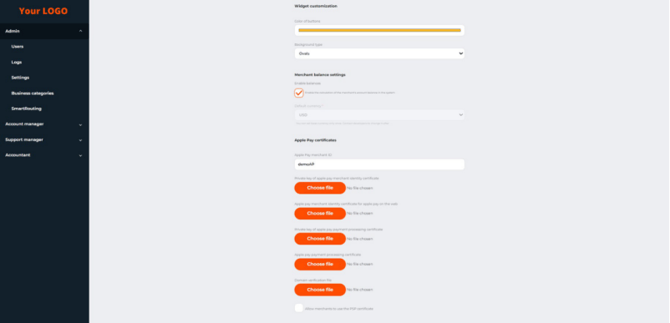
The Edit settings form (part 4 of 5)
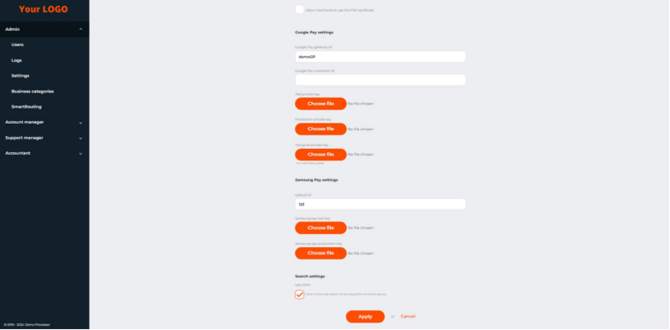
The Edit settings form (part 5 of 5)