If the file with the list of credit card masks was successfully added earlier, you can see an option to delete the uploaded list on the White / Black list page.
To delete a list of card masks or email addresses added earlier, follow the steps below:
-
Go to Account Manager > Shops.
-
Go to the line of the shop in the list. If required, use Search for a merchant’s shop.
-
Click View to go to the shop settings page.
-
Go to the W/B list tab.
-
Upload a CSV file with the required card masks or emails.
-
Activate the Remove card mask white list or Remove emails white list checkboxes.
-
Click Apply to save your changes or go back to the shop.
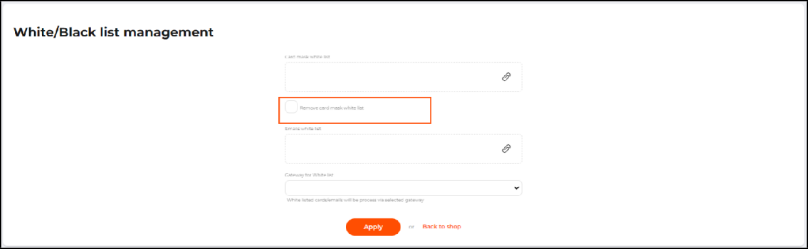
The Remove card mask white list checkbox on the White/Black list management page