To delete a user, follow these steps:
-
Go to Admin > Users.
-
Follow one of the two options:
a. Click Edit in the row of the required user;
b. Click Show in the row of the required user, and then on the user information page, click Edit. -
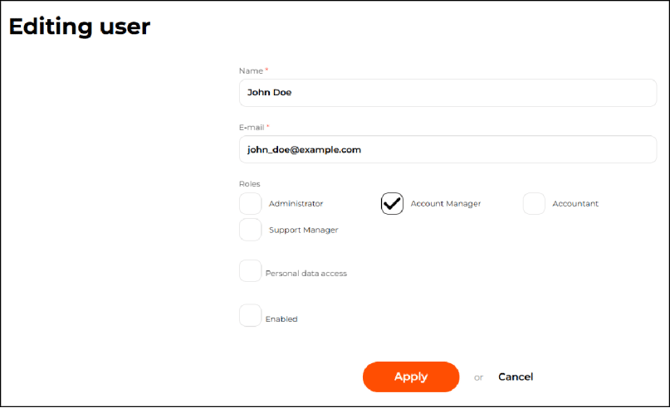
On the page that opens, clear the Enabled checkbox and apply the changes.
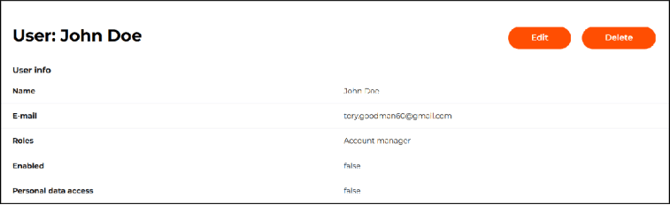
- Click Delete either on the user information page or on the Admin > Users page in the line of the required user and then confirm the action in the modal window.
The system automatically deletes user accounts (except for merchants and agents) in the following cases:
-
if more than 180 days have passed since the last login;
-
if more than 180 days have passed since the user account was created and the user has never logged into the system.
-