To make an adjustment to a merchant’s balance, follow these steps:
- Go to Accountant > Balance.
- Enter the name of the merchant on the header pane of the display area.
- Click Select merchant.
- Click the “+” next to the Debit or Credit column name to record a debit or credit change, respectively.
- On the page that opens, enter an amount and a description of the adjustment.
- Click Create, or cancel the changes by returning to the previous page.
When specifying an adjustment in the Amount in <default currency> field, you can enter both positive and negative values. The date of creation of the adjustment is considered to be the current date.
After making the adjustment, the new entry will appear in the corresponding column.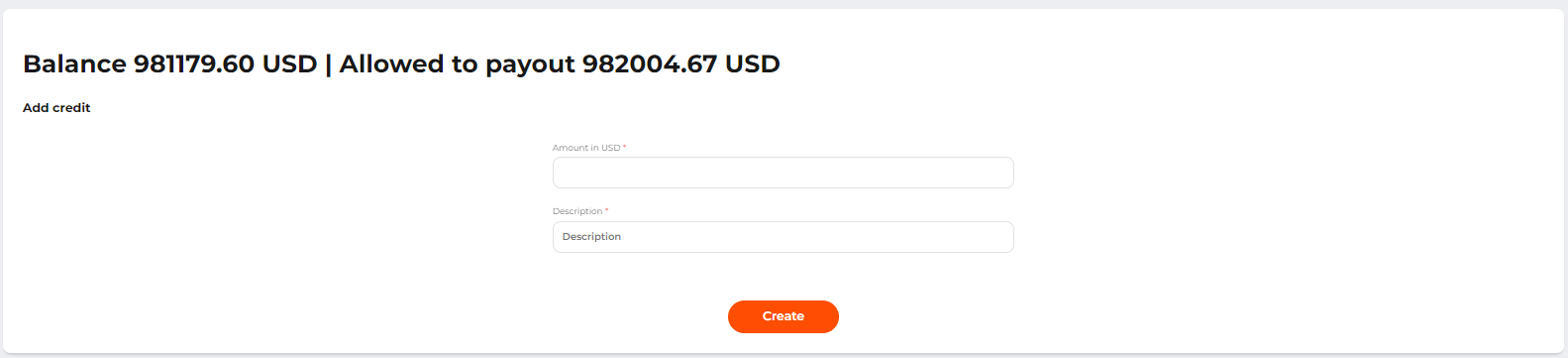 The page of the balance adjustment entry