To view information about a user, follow these steps:
-
Go to Admin > Users.
-
Click Show in the row of the required user.
The page that opens will display the following information about the user:
-
Name: the username;
-
Email: the user's email address;
-
Roles: roles assigned to the user;
- Enabled: the account activation status, where "true" stands for an active account and "false" stands for a deactivated user.
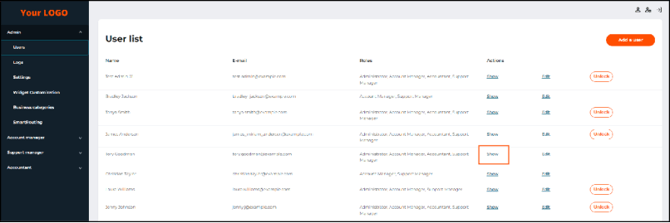
The Show button on the Users tab page
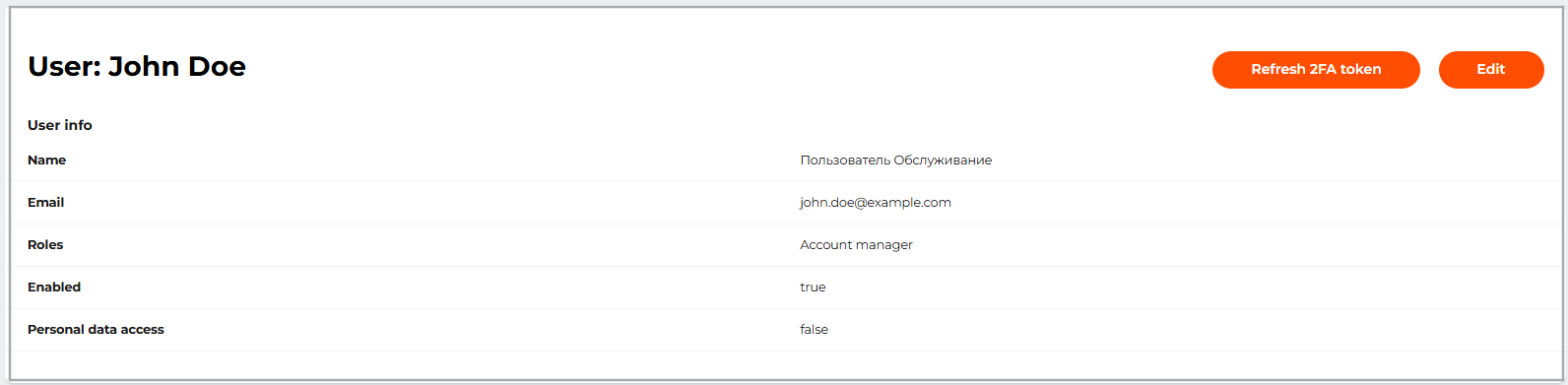
The user account details
To reset a user's 2FA settings, click Refresh 2FA Token and confirm the action.
Before updating the 2FA token, contact the user using an alternative communication channel and verify that the request to reset the 2FA settings was submitted by that user.
If Mandatory two factor authentication is not enabled for the PSP, refreshing the token will turn off 2FA for the user. If Mandatory two factor authentication is enabled, the user will be prompted to set up their authenticator app again.